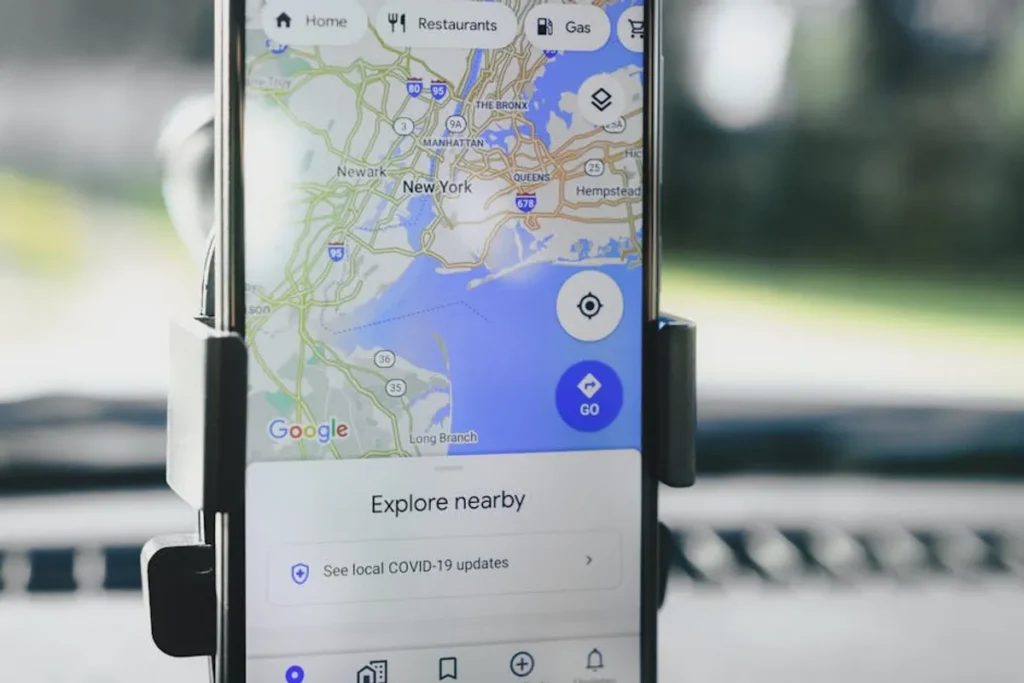
Geocoding is the technical bridge between a messy, human-readable address and the precise latitude and longitude coordinates required for mapping engines and local SEO analysis. For agencies managing multi-location brands or developers building spatial tools, an improperly configured API key is a single point of failure that leads to broken maps, failed address validation, and unexpected billing spikes. Setting up these keys requires more than a simple copy-paste; it demands a rigorous approach to security, quota management, and API-specific restrictions.
Provisioning Credentials for Google Maps Platform
Google remains the industry standard for geocoding due to its massive database of Place IDs and high-resolution satellite data. To begin, you must navigate to the Google Cloud Console and create a dedicated project. Do not bundle geocoding with unrelated cloud functions; isolating your mapping projects ensures that billing alerts and usage limits are specific to your SEO or mapping initiatives.
Best for: High-precision local SEO tracking and customer-facing store locators.
Once the project is active, you must enable the Geocoding API specifically. Google operates on a pay-as-you-go model, but they provide a $200 recurring monthly credit. For many small-to-medium applications, this covers the cost, but high-volume address scrubbing will quickly exceed this threshold. You must link a valid billing account even if you expect to stay within the free tier, as the API will return a "REQUEST_DENIED" error without it.
Enabling the Address Validation API
It is a common mistake to use the Geocoding API for cleaning up user input. While the Geocoding API can "guess" an address, the Address Validation API is a distinct service designed to verify components like house numbers, street names, and postal codes against postal service data. If your goal is to ensure a business location is correctly formatted for a local citation, you should enable both APIs and use the Validation API as a front-end filter before passing the data to the Geocoding API for coordinate generation.
Security Protocols: Restricting API Key Exposure
An unrestricted API key is a financial liability. If your key is embedded in client-side JavaScript, anyone can scrape it and use your billing quota for their own applications. You must implement restrictions immediately upon key generation.
- HTTP Referrer Restrictions: Use this for keys used in web browsers. Limit the key to specific domains (e.g., *.SERP Sensor/*) to prevent unauthorized third-party sites from executing requests.
- IP Address Restrictions: Use this for server-side geocoding. If you are running a script from a dedicated server or a specific office IP to batch-process location data, locking the key to that IP prevents leaks.
- API Restrictions: Explicitly limit the key so it can only call the Geocoding API. Even if the key is compromised, it cannot be used to rack up charges on more expensive services like the Places API or the Roads API.
Warning: Never commit your API keys to public version control systems like GitHub. Use environment variables (.env files) to store keys on your server, ensuring they are never hard-coded into the source logic that moves through your development pipeline.
Implementing Geocoding for Local SERP Analysis
For SEO professionals, geocoding is the primary method for simulating "near me" searches. By converting a target city or neighborhood into a coordinate pair, you can pass these parameters to search engines to see how local pack results shift based on the searcher's proximity. This is critical for sensing SERP volatility at a granular level, as local rankings often fluctuate more aggressively than national organic results.
When setting up these requests, pay close attention to the "result_type" and "location_type" parameters. A "ROOFTOP" result indicates the highest level of precision, meaning the coordinates are accurate to the building level. If the API returns "APPROXIMATE," the data may only be accurate to the center of a city or postal code, which is insufficient for hyper-local rank tracking.
Alternative Geocoding Providers for High-Volume Requests
While Google is the most comprehensive, other providers offer better pricing or different data sets that may be more suitable for specific use cases. If you are processing millions of addresses for a national database, the cost per thousand requests becomes a primary driver.
Mapbox: Known for its developer-friendly documentation and excellent integration with Leaflet and Mapbox GL JS. Mapbox uses a mix of open-source and proprietary data. It is often preferred for custom-styled maps where aesthetic control is as important as data accuracy.
LocationIQ: An excellent budget-friendly alternative that leverages OpenStreetMap data. It is particularly useful for batch geocoding where the extreme precision of Google’s "Place IDs" is not required.
Best for: Large-scale data cleaning and historical SERP data projects.
OpenCage: This service aggregates multiple geocoders. It is highly reliable because it doesn't rely on a single data source, making it a strong choice for international address validation where Google or Mapbox might have regional blind spots.
Operationalizing Geocoding Data and Monitoring
Setting up the key is only the first step. To maintain a stable mapping environment, you must implement active monitoring. Most API providers offer a dashboard showing latency, error rates, and usage spikes. A sudden increase in "403 Forbidden" errors usually indicates a restriction mismatch, while "429 Too Many Requests" means you have hit your daily quota or rate limit.
To avoid service interruptions, set up automated billing alerts. Configure a notification at 50%, 75%, and 90% of your expected monthly budget. In the context of SEO monitoring, if your geocoding service fails, your local rank tracking will likely default to a broad geographic center, providing false data that masks real SERP instability. Regular audits of your API usage logs will help identify inefficient code—such as redundant requests for the same address—that can be resolved through server-side caching.
Frequently Asked Questions
What is the difference between forward and reverse geocoding?
Forward geocoding converts a text-based address into latitude and longitude coordinates. Reverse geocoding does the opposite, taking coordinates and returning the nearest known address or place name.
Why is my API key returning a "Zero Results" error?
This occurs when the address string is too vague, contains typos, or does not exist in the provider's database. To fix this, use an address validation service to clean the input before sending it to the geocoder, or add more specific details like the country or postal code.
Can I use one API key for multiple websites?
Technically yes, but it is a security risk. If one site is compromised or experiences a traffic surge, it will exhaust the quota for all other sites. It is best practice to generate unique keys with specific domain restrictions for every project.
Does geocoding accuracy affect local SEO rankings?
Geocoding itself doesn't change your rank, but it dictates the accuracy of your tracking. If your geocoding is off by even a few blocks, the SERP you see may not reflect what actual users in that specific micro-neighborhood are experiencing, leading to flawed strategy decisions.